
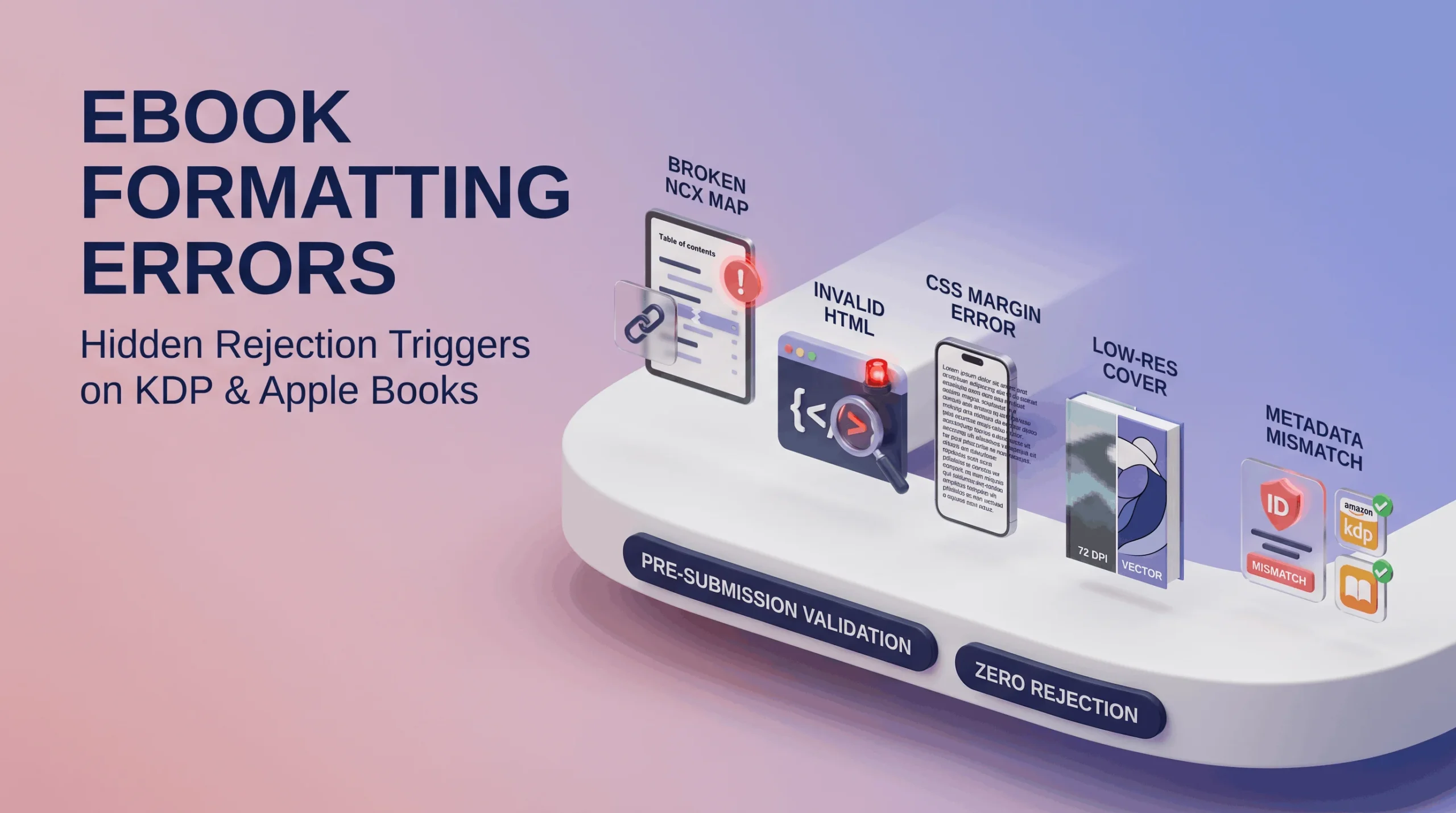
Rejection emails from Amazon KDP or Apple Books rarely explain the actual problem in plain language. Authors stare at vague error codes, resubmit blindly, get rejected again, and eventually give up trying to understand what’s actually wrong. Here’s what’s usually hiding underneath those cryptic messages.
Broken NCX Files: The Navigation Nobody Sees Until It Fails
The NCX file is essentially your eBook’s internal map it tells reading apps where each chapter starts so the Table of Contents actually works. When it’s broken or missing entries, readers tapping “Chapter 5” in the TOC either land nowhere or land somewhere wrong entirely. This error is particularly sneaky because the eBook can look completely normal when you just scroll through it manually the problem only surfaces when someone actually tries to navigate using the TOC, which is exactly the moment a reviewer or a frustrated reader will notice.
Invalid HTML Tagging: Small Errors, Big Consequences
EPUB files are built on HTML under the hood, and most word processors export genuinely messy HTML when you save a document as an eBook file nested tags that don’t close properly, styling applied through inconsistent methods, leftover code fragments from multiple rounds of editing in different programs. Platforms validate this HTML strictly, and a single unclosed tag can cause a cascading formatting failure that shows up as text bleeding into the wrong section or styling that randomly disappears three chapters in.
Bad CSS Margins: Why Your Text Looks Cramped or Cut Off
CSS controls spacing, margins, and layout behavior within your eBook file. Margins set with fixed pixel values instead of relative units can look fine on the device you tested with and completely wrong on a different screen size text running right up against the edge, or excessive white space eating up half the visible reading area. This is one of the more common reasons a self-formatted eBook technically gets approved but still generates reader complaints about cramped or oddly spaced text.
Image Pixelation: The Problem That Only Shows Up After Upload
Images that look sharp in your source document can turn blurry or pixelated once compressed for eBook delivery, particularly if the original resolution was already on the low side. This hits cover images hardest, since a blurry cover thumbnail actively discourages clicks in a way a slightly soft interior image doesn’t. Testing images specifically at the small thumbnail size they’ll actually be viewed at, not just full-screen, catches this before submission rather than after a rejection.
Missing Metadata Errors: The Rejection Reason Nobody Expects
Title, author name, language declaration, and ISBN information all need to be embedded correctly within the file itself, not just entered separately into an upload form. A mismatch between what’s declared in the file’s internal metadata and what’s entered on the platform’s submission page is a surprisingly common rejection trigger, and it’s one authors rarely think to check because the error has nothing to do with how the book actually reads.
Why These Errors Survive a Casual Review
Every one of these problems can exist in a file that looks completely normal when an author scrolls through it on their own laptop. That’s exactly the trap visual review catches formatting mistakes you can see, but broken NCX files, invalid HTML, and metadata mismatches are structural problems buried beneath the surface, the kind that only get caught through the same kind of platform-specific validation testing a professional eBook creation service runs as standard practice, not an occasional afterthought.
Avoiding the Rejection Cycle
The pattern that actually saves authors time isn’t submitting and hoping it’s validating the file’s underlying structure before it ever reaches Amazon KDP or Apple Books’ review queue. Catching a broken NCX file or invalid HTML tag in-house takes minutes. Catching it through a platform rejection, a confused resubmission, and a second rejection can burn an entire launch week an author didn’t have to lose.