
Authors constantly assume a single finished file can simply be exported into whatever format a platform needs. It can’t, not without real technical rework, and understanding why saves a genuinely frustrating cycle of rejected uploads and last-minute fixes.
Fixed Print Grids: Precision That Doesn’t Move
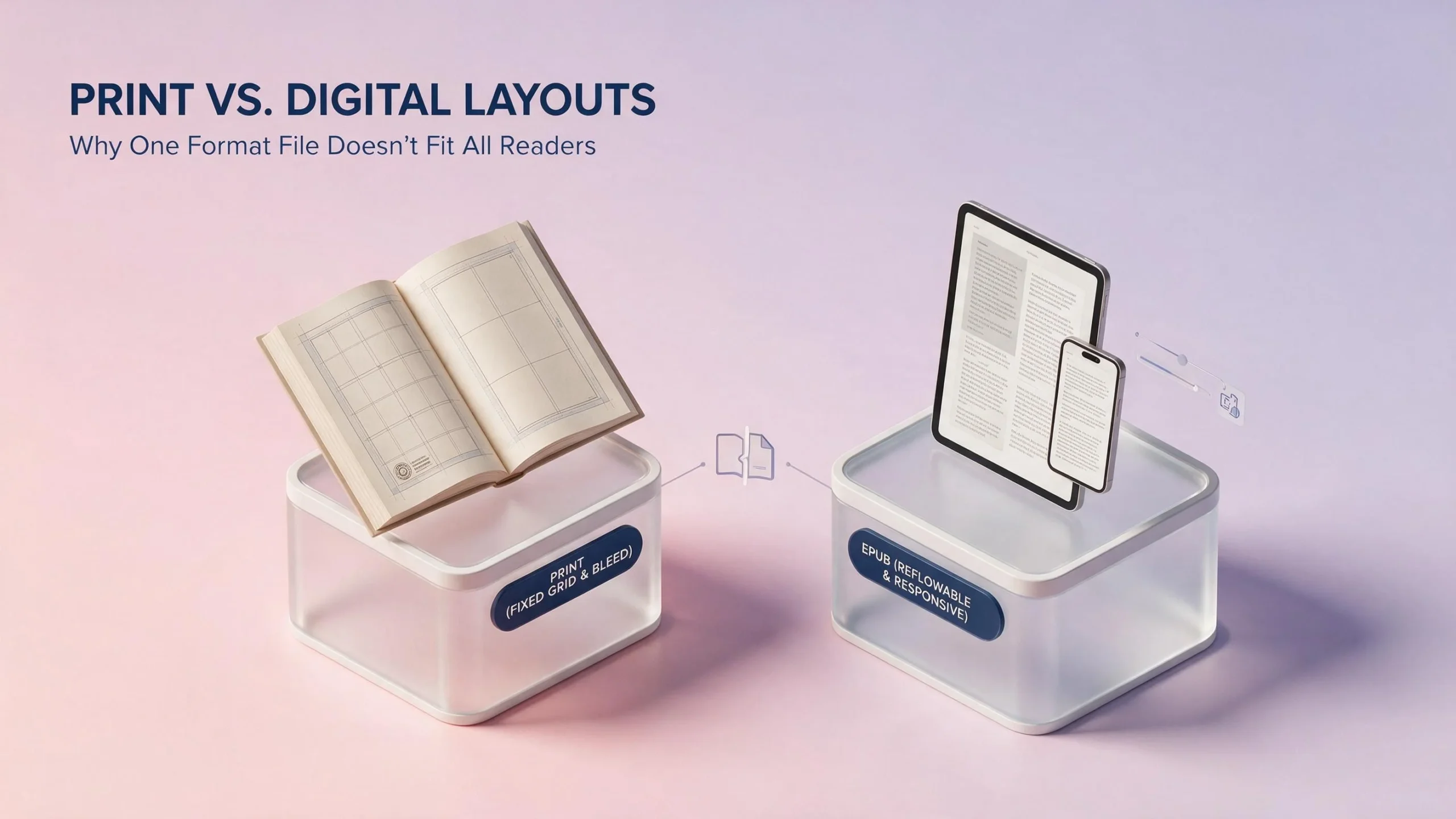
A print interior layout is built on a fixed grid every line, margin, and page break locked to an exact position for a specific trim size and page count. This precision exists because a printed page is physically permanent once it’s bound; there’s no reader-side adjustment possible after the fact, so every design decision has to be exactly right before the file goes to press. Bleed margins, gutter space near the spine, and exact pagination all get calculated together, and changing even one variable page count, trim size cascades into recalculating the rest.
Reflowable ePub Architecture: Built to Bend
Digital formatting works on entirely different logic. Reflowable eBook files let text resize and rewrap based on a reader’s chosen font size and screen dimensions, which means there’s no fixed page count or locked pagination the same file displays differently depending on the device and the reader’s personal settings. This flexibility is exactly what makes eBooks accessible across wildly different screen sizes, from a phone to a dedicated e-reader to a tablet, but it also means design elements that depend on exact positioning simply can’t work the same way they do in print.
Font Licenses: The Detail Authors Frequently Miss
Fonts licensed for print use don’t automatically carry rights for digital embedding, and vice versa these are frequently separate licensing terms even for the identical typeface. Using a font in an eBook file without proper digital embedding rights can create real legal exposure, and it’s a detail easy to miss when an author assumes a font purchased once covers every possible use case across every format.
Margin Calculations: Why the Same Numbers Don’t Transfer
Print margins get calculated in relation to trim size, gutter space, and bleed requirements specific to a physical printed page. Digital formatting doesn’t use fixed margins in the same sense at all spacing gets defined relatively, adjusting automatically as font size and screen dimensions change. An author who tries applying print margin specifications directly to a digital file ends up with formatting that looks correct on one specific screen size and breaks awkwardly on any other.
Device Responsiveness: The Test Print Never Has to Pass
A print book only ever needs to look right once, on paper. A digital file needs to look right across phones, tablets, dedicated e-readers, and desktop reading apps, each with different screen dimensions and font rendering behavior. This is why genuine eBook formatting includes testing across multiple devices and apps as a standard step, not an optional extra a file that looks perfect on one e-reader can display noticeably differently on another without that specific validation step catching the discrepancy first.
Why One Formatted File Genuinely Can’t Serve Both Purposes
Given these differences, treating print and digital as a single formatting task with one universal output file is a recipe for problems in at least one format, usually both. Real print vs. digital formatting requires two distinct technical processes, sharing the same underlying manuscript content but built through separate, format-specific workflows which is exactly why professional formatting services handle them as related but genuinely separate deliverables, not one file exported twice with a few settings changed.